Foxglove 2.19.0
🎬 Support for H265, AV1, and VP9 video codecs
Foxglove now supports H.265, AV1, and VP9 video codecs in the Image and 3D panels. This is in addition to the existing support for H.264.
See the CompressedVideo schema documentation for details on how to encode video messages in MCAP and codec specific information. An example utility for writing MP4 video files to MCAP is available here.
Compressed video support is subject to hardware limitations and patent licensing, so not all encodings are supported on all platforms. See more about H.265 support, VP9 support, and AV1 support.
≥ New comparison operators supported in message paths
We've added support for !=, <, <=, >, and >= operators when using filters in message paths. This is in addition to the existing == operator. This means you can now execute more advanced filters on your data such as:
/markers/annotations.markers[:]{id<5000}{id>1000}.id
This would return annotation markers with ids between 1000 and 5000, exclusive.
🖥️ Quick access fullscreen
We've made it easy to quickly enter a panel's fullscreen mode with one click. Select the ⛶ icon in the top right corner of a panel to enter fullscreen mode.
New & Improved
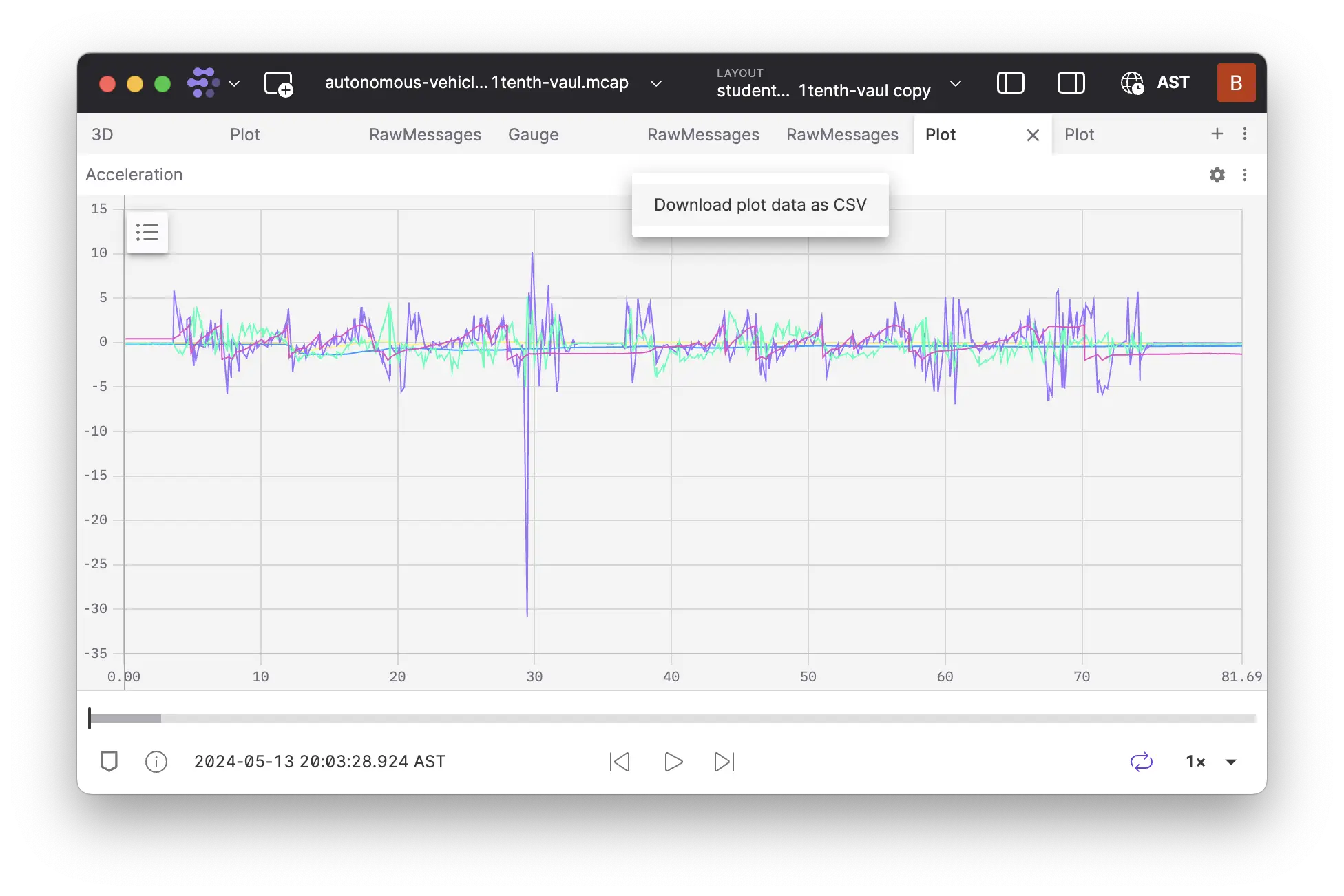
- Clicking left of the start in the Plot or State Transitions panel now sets playback to the start of the timerange
- Read-only number inputs in settings no longer show increment and decrement buttons
- The default flat color for points in Point Cloud and Laser Scan visualizations is now visible in both light and dark mode
- The desktop app now uses native window controls in Linux to better match the system theme
- Improved error reporting and recovery when receiving malformed data from WebSocket server implementations
- Updated app settings to use the term "log time" instead of "receive time"—in line with MCAP terminology
- Improved usability of the 3D panel's click-to-publish tool and settings
- It's now possible to hide individual URDF links in the 3D panel
- The display of joint information in the 3D panel has been simplified
- It's now easier to set manual joint states for a URDF when no transforms are provided by the data source
- URDF frame axis can now be toggled and scaled independently of the transform settings
- Foxglove now surfaces an error if the data source does not provide all transforms for a URDF
- Added support for floating-point numbers in message path filters with various common formats such as
0.5,-4.28e-5,.3333,+22.
Performance
- Improved the performance of plot series loading
- Improved pending imports table performance
- Improved the performance of the Timezone selector UI
- Various performance improvements
Fixes
- Fixed a bug with the transparency of occupancy grids which occasionally caused rendering irregularities
- Fixed a bug where dragging images outside the panel would highlight text
- Fixed a bug causing values in the Plot panel tooltip to shift while panning
- Fixed a bug causing flickering of the 'current time' bar in the Plot panel during live playback
- Fixed a bug where ROS 2 messages containing only constants were not correctly serialized/deserialized
- Fixed a bug where LaserScan visualization defaults appeared incorrectly in the settings panel
- Fixed a bug preventing drag & dropped files from appearing in recents
- Fixed a bug causing indexed-based plots to flicker
- "Plot this value..." from the Raw Message panel will now check for a Plot panel with a compatible configuration
- Fixed a bug allowing an invalid option "distance (auto)" to be selected in LaserScan color settings
- Fixed a bug where map layer attribution would cover the map scale
- Fixed a bug where switching between layouts would occasionally cause URDFs to load incorrectly
- Fixed a bug where adding a URDF in one panel could affect the displayed transforms in another panel
- Minor UI fixes
Downloads: Linux: deb amd64 arm64, snap amd64 | Windows: Universal | Mac: Universal