Local
Load local recordings for visualization.
Opening local files requires a developer seat.
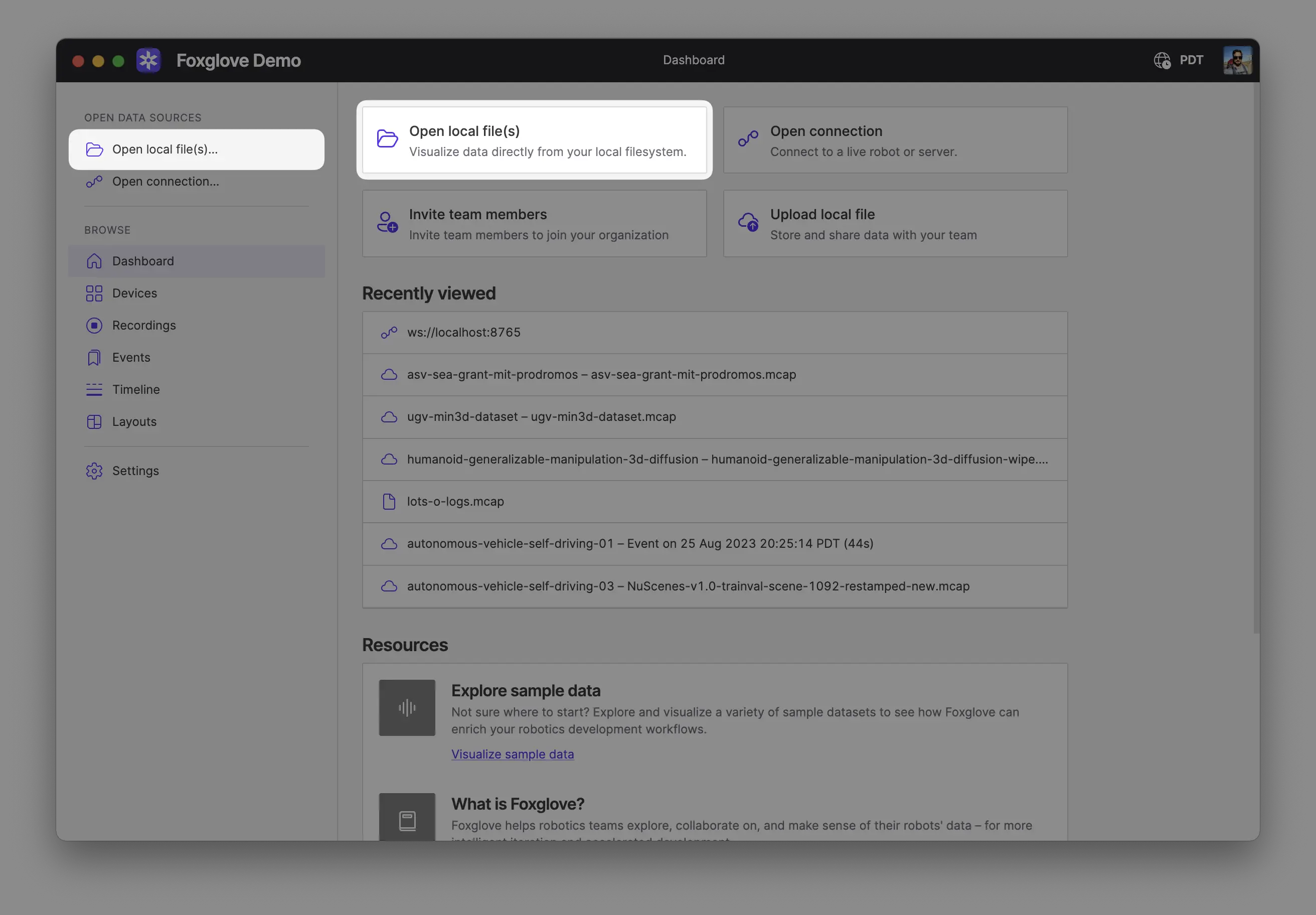
Open your recording(s) directly from your computer by:
- Dragging and dropping them into Foxglove
- Using
Cmd/Ctrl + o - Clicking Open local file(s) in the app
Opening multiple files together combines them into a single merged data source, as if they came from one recording. This is useful when the files belong to the same recording, for example a single recording split into multiple segments, or a main recording plus a related file such as a separate transforms log. The files must be of the same format.
To keep sources separate and view their data together on a shared timeline, use Comparison mode instead.
Supported formats
| File extension | |
|---|---|
| ROS 1 | .bag |
| ROS 2 | .mcap, .db3 |
| MCAP | .mcap |
| PX4 ULog | .ulg |
You can use data loaders to add support for custom file formats like CSV, PCAP, or any other format you need.
Since legacy ROS 2 .db3 files do not contain their message definitions, we recommend first converting those into self-contained MCAP files before loading into Foxglove.